No matter the distance,
family is always by your side.
ElderLink is a gentle family care companion designed for older parents to manage daily routines and share wellbeing updates safely — giving families true peace of mind.

Effortless for parents, reassuring for adult children.
We made technology simple enough for older parents to feel entirely confident, and smart enough for loved ones to stay informed without hassle.
No Confusion. Just Clear Plans & Large Taps.
No tiny buttons, password clutter, or hidden menus. Parents complete tasks by simply talking or pressing one large, clear button.
- 28sp+ Large Typography: Clear high-contrast text that is easily readable without glasses.
- Location sharing: Share the latest location for 15 minutes with accepted household members after an explicit tap.
- Visual Call Confirmation: Prevents accidental calls while making emergency outreach safe.
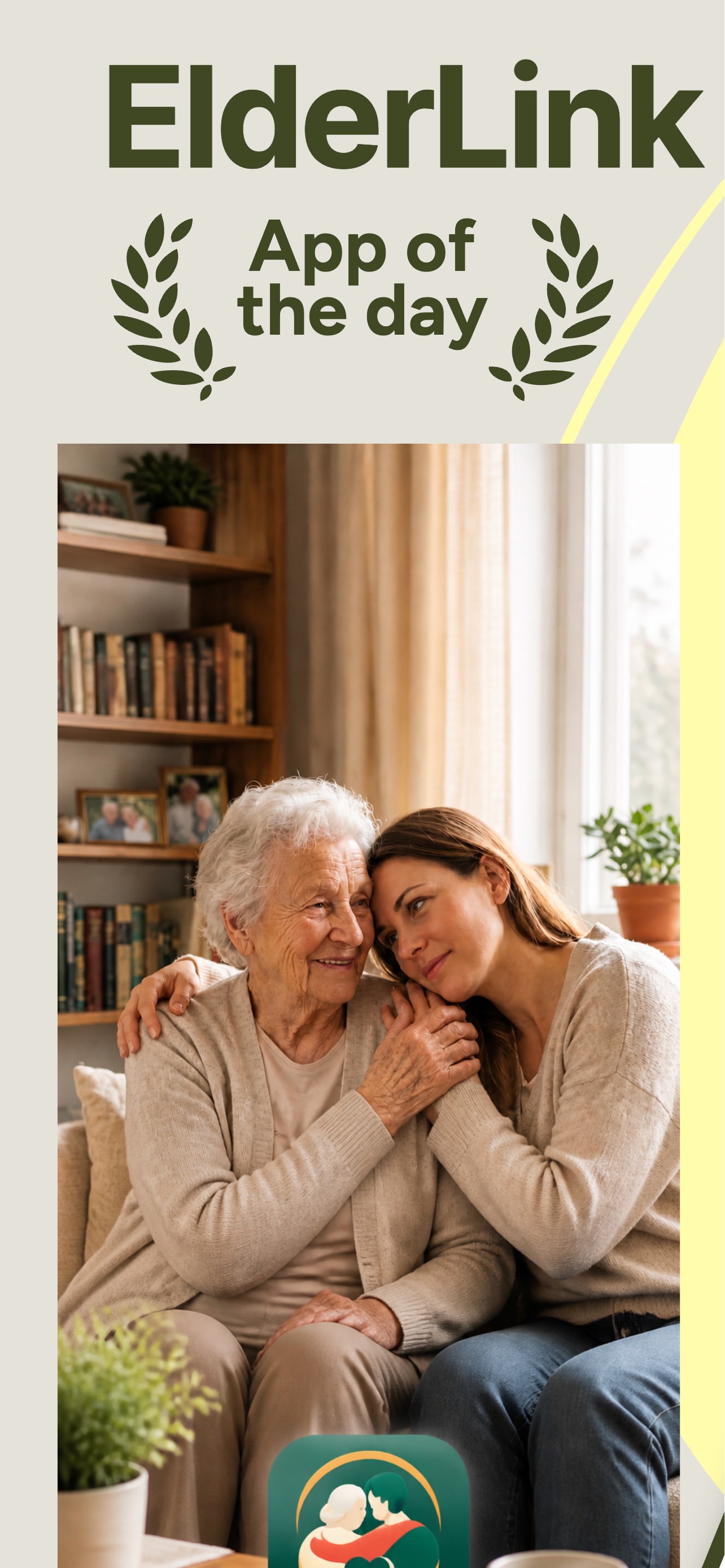
Designed with calm, care, and craftsmanship.
Explore ElderLink's serene, adult, and accessible interfaces in high definition.
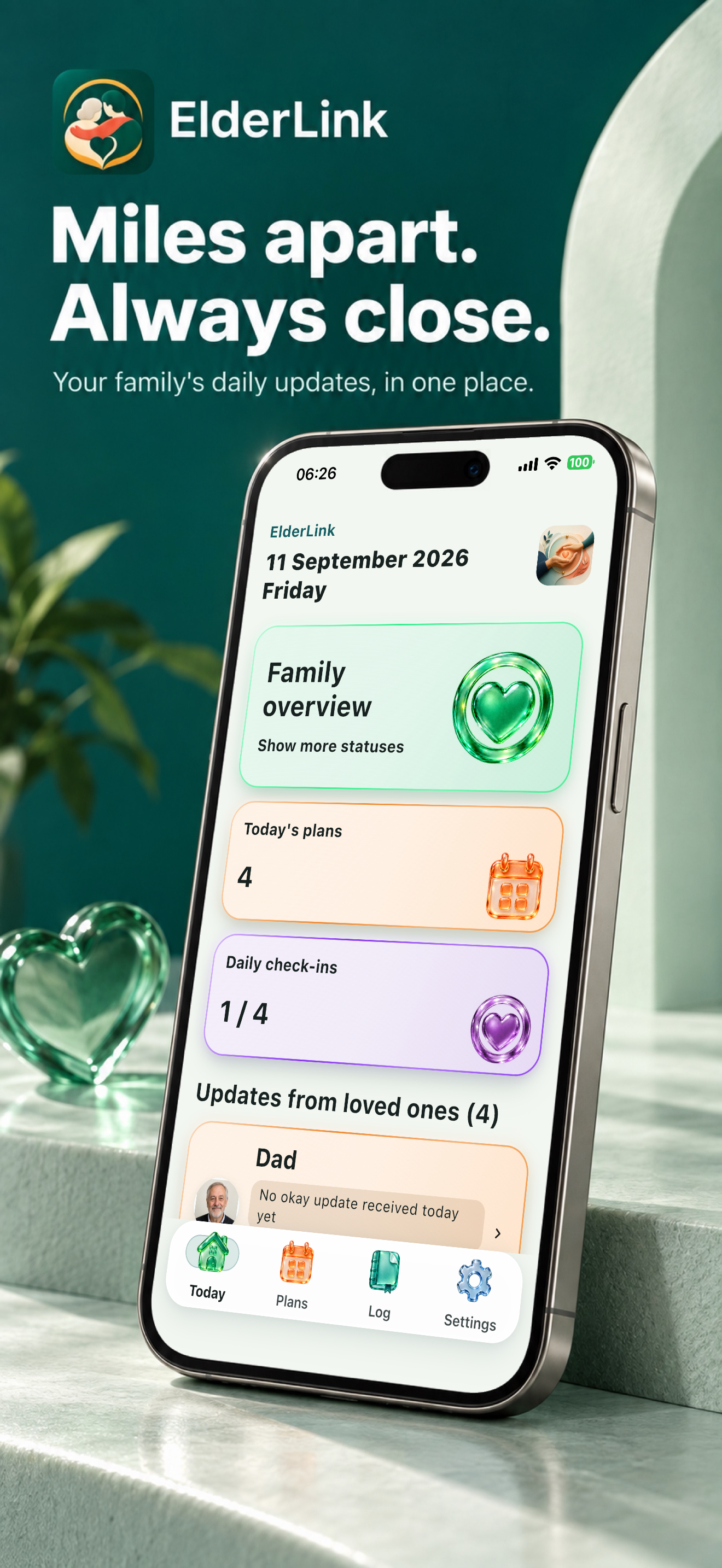
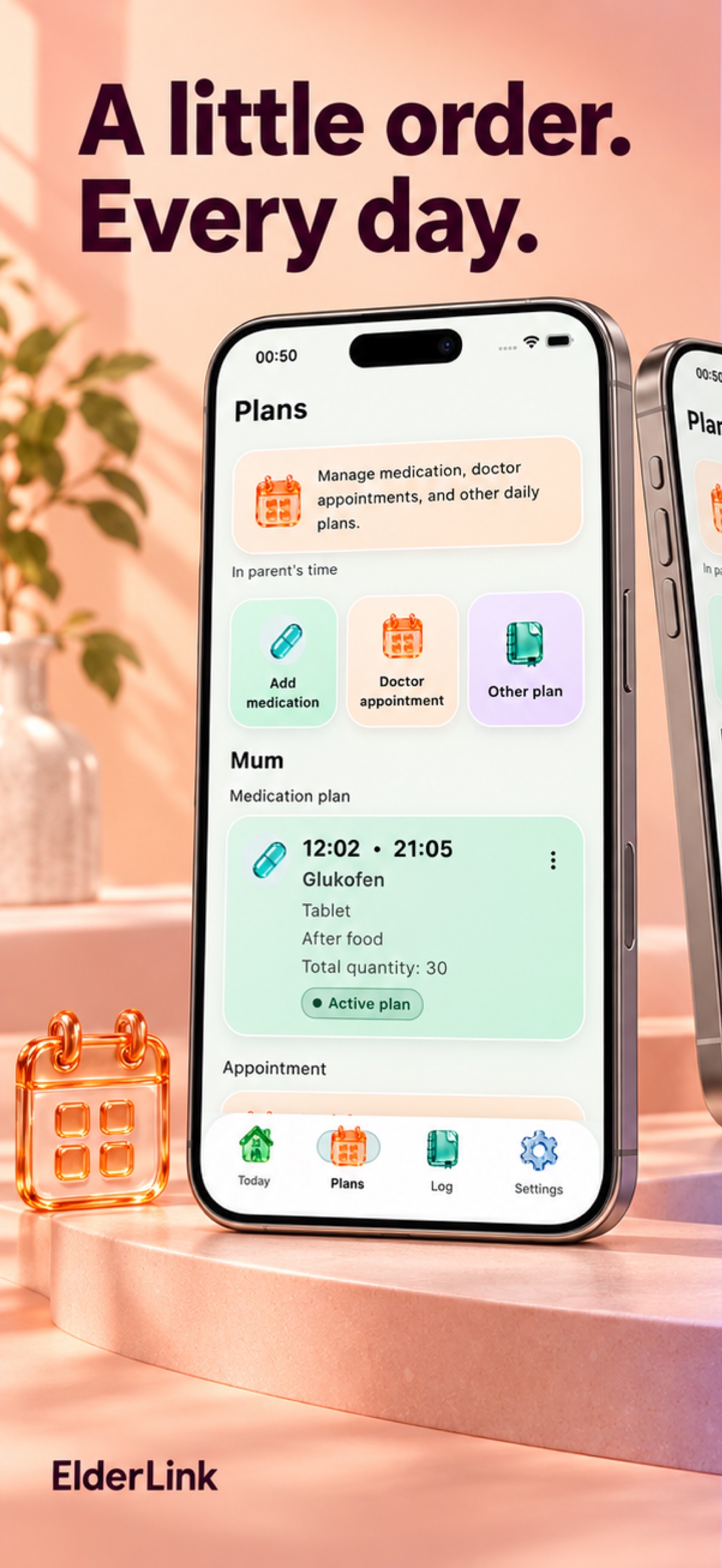
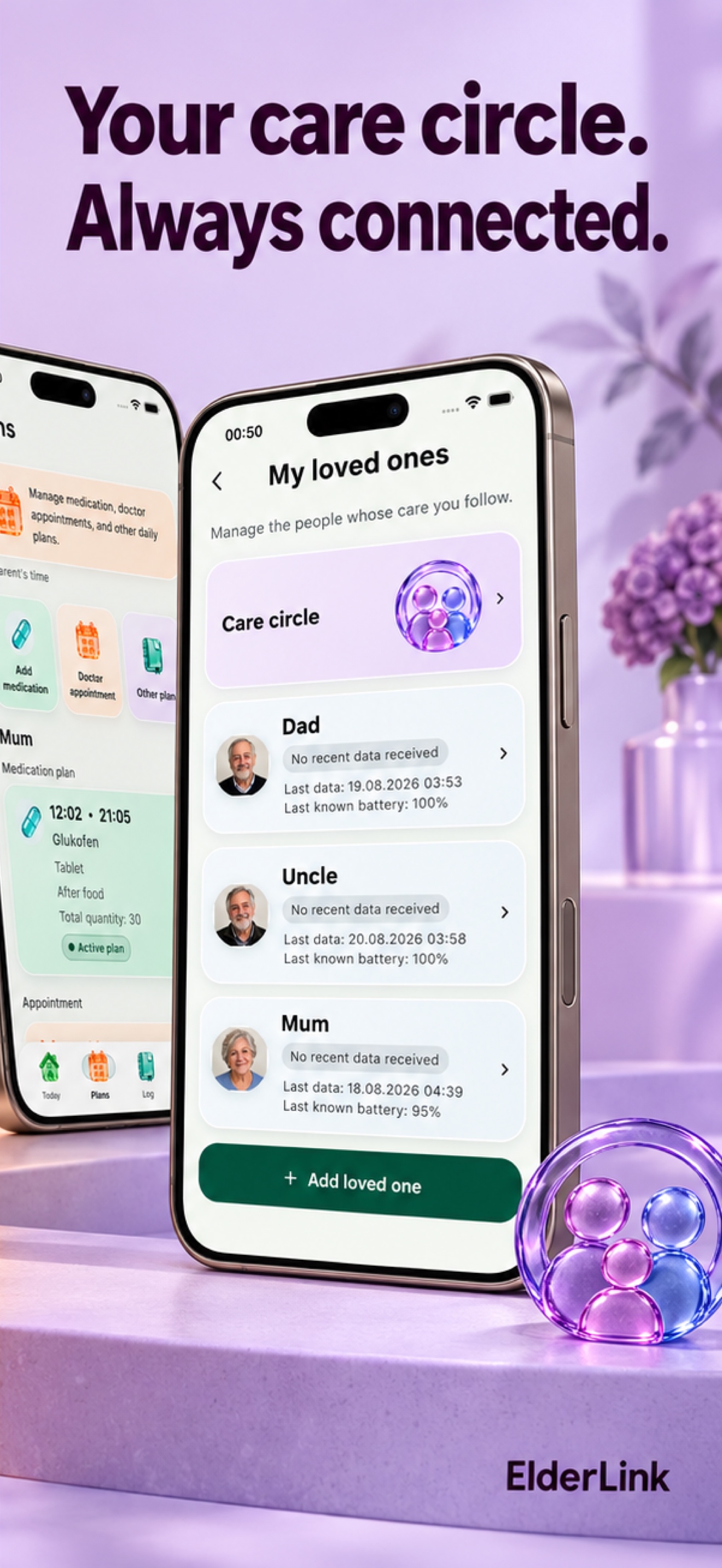
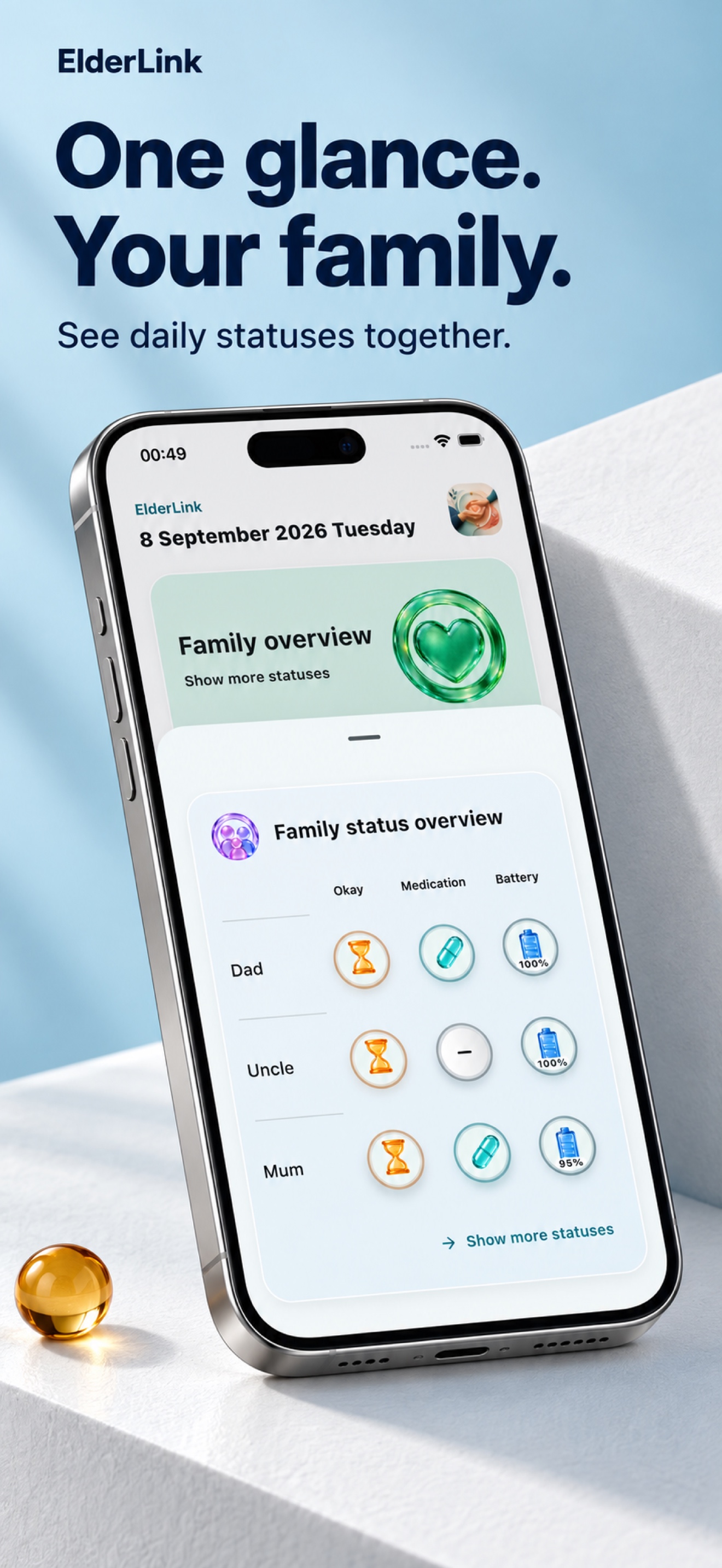
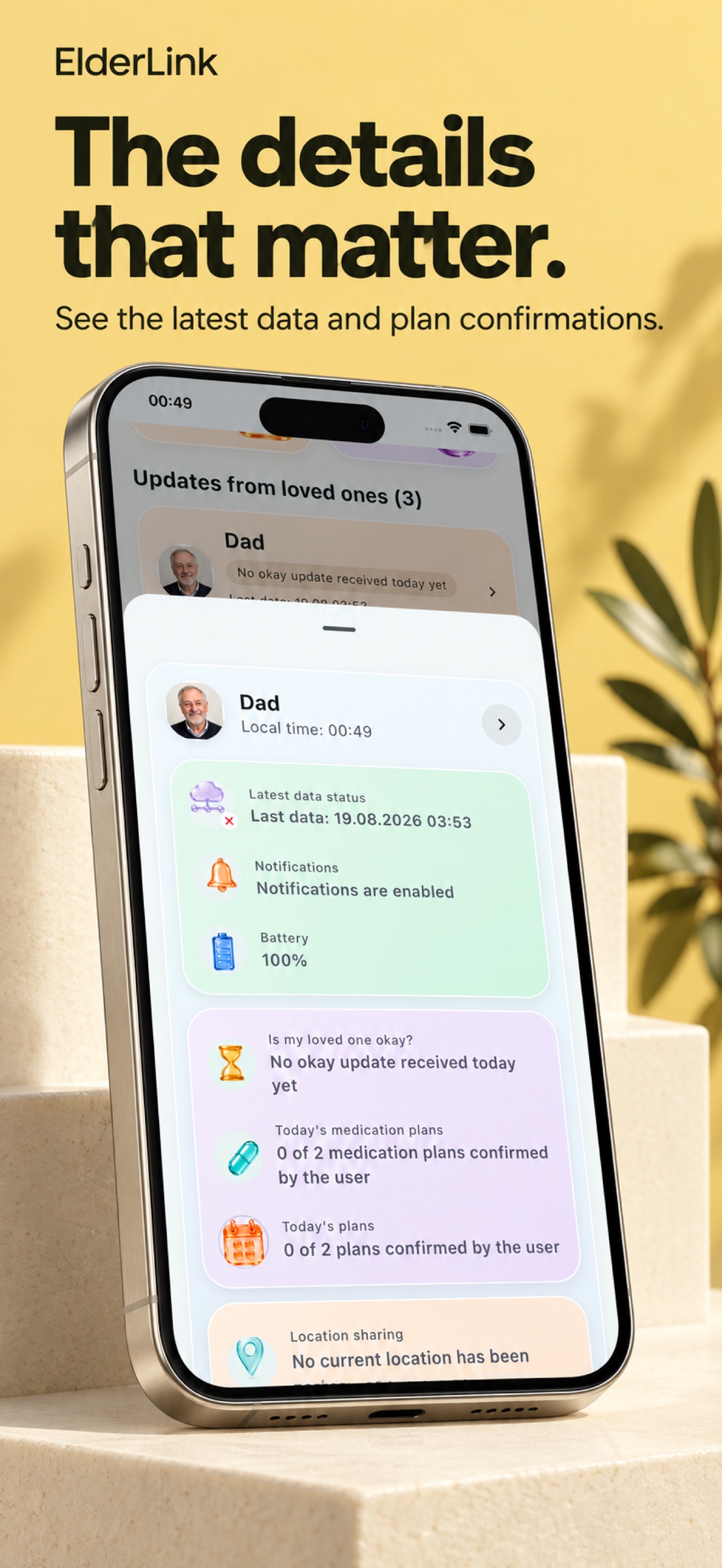
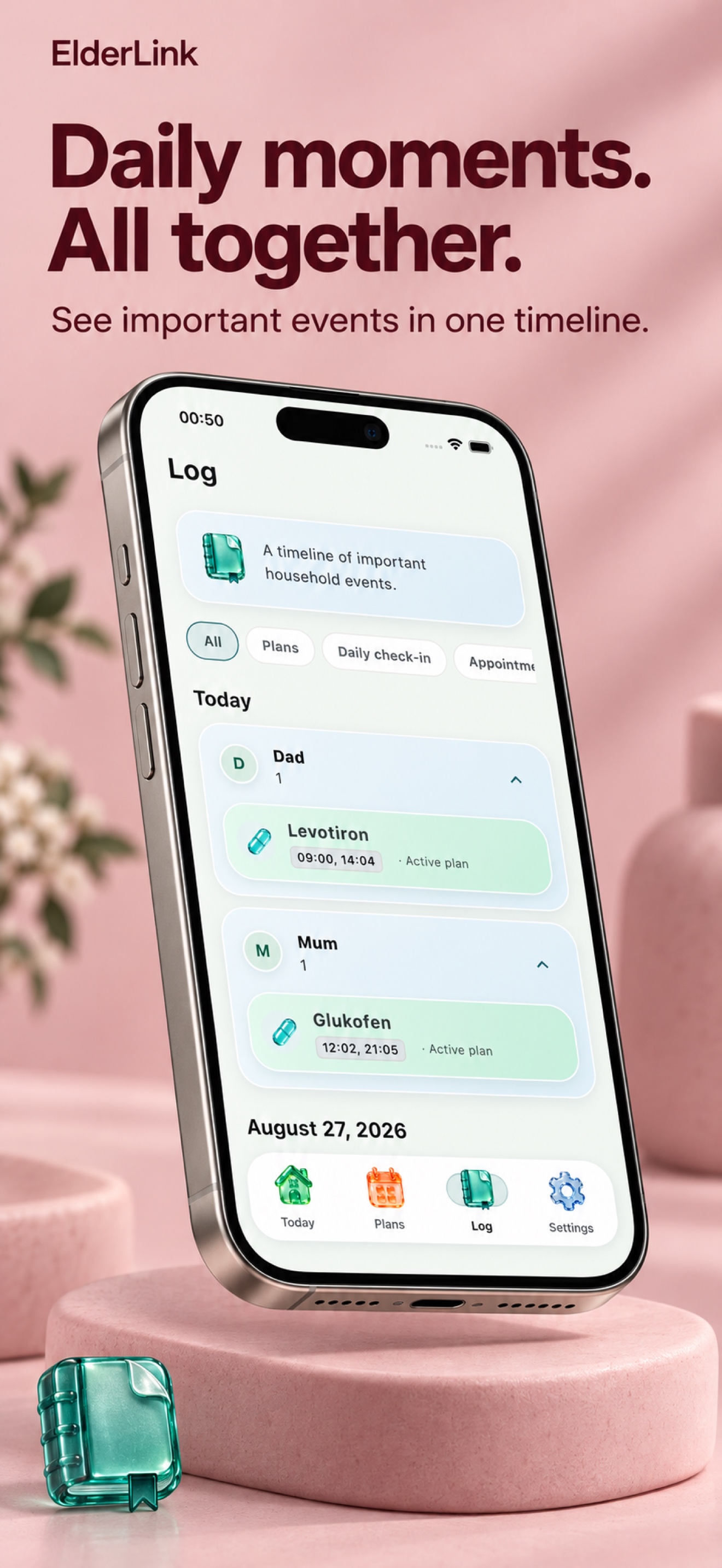
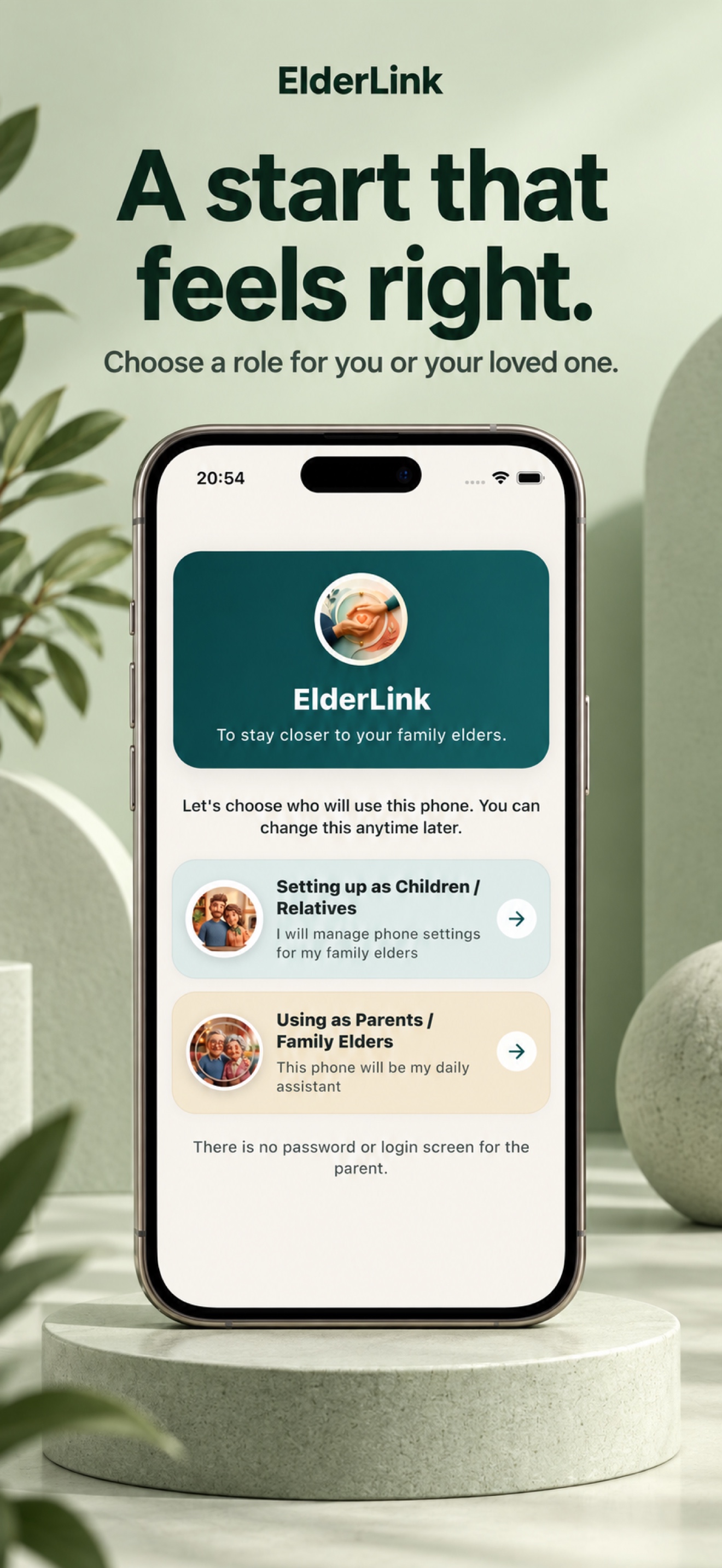
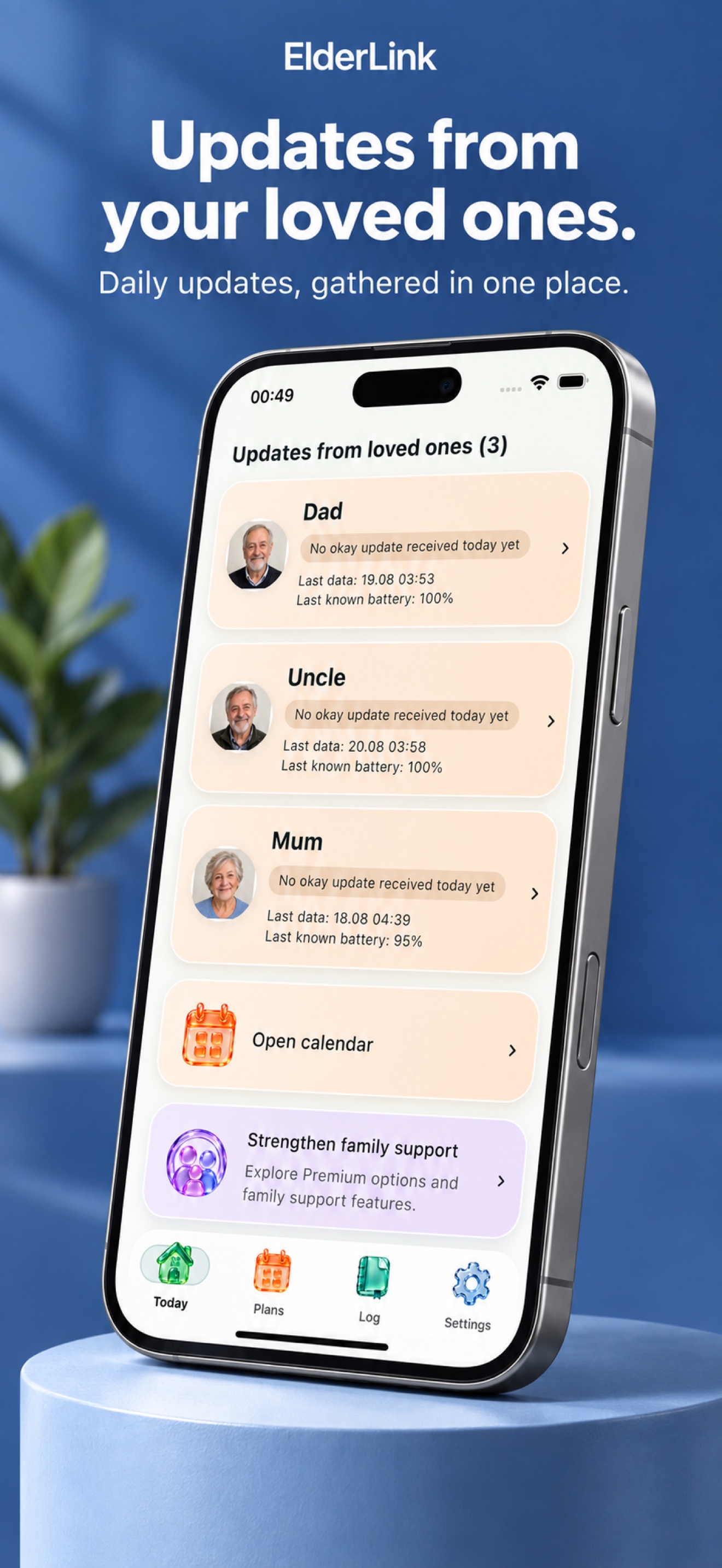
The story of a calmer day, together.
See how ElderLink brings reassurance and harmony to families across distances.
Why Families Choose ElderLink
Engineered specifically for senior accessibility and household trust.
Safe Location Sharing
Share the latest location only after a clear request, with accepted household members and a 15-minute expiry. Continuous location tracking is not active.
Smart Medication & Routine Prompts
High-contrast, timely reminders. Confirmations are completed with a single tap and immediately synced to family members.
Connected Care Circle
Siblings and trusted neighbors join the same secure household. Everyone stays updated without intrusive tracking.
Safe Emergency Assistance
Features two-step visual confirmation to prevent false alarms, while providing immediate calling access to family members.
Zero Ads, Strict Privacy
Your family's data is not sold or used for personalized advertising; limited providers support the service.
We built ElderLink with a single purpose: ensuring older generations feel capable and independent, while giving adult children the comfort of knowing their loved ones are cared for.
Transparent pricing for family peace of mind.
No hidden fees, no lock-in. Try 7 days for free, cancel anytime with one click.
Monthly Premium
Flexible, commitment-free protection renewed monthly.
- Planned Safe Location Sharing
- Unlimited Medication & Visit Reminders
- Full Household Access for All Relatives
- Real-Time Check-ins & Activity Feed
- 100% Ad-Free, Private & Secure
Yearly Premium
Continuous care all year round with maximum savings.
- 7-Day Free Trial Included
- Planned Safe Location Sharing
- Unlimited Medication & Visit Reminders
- Full Household Access for All Relatives
- Priority 24/7 VIP Customer Support
Clear, transparent answers for your family.
ElderLink is a family care assistant that helps older parents manage daily schedules, medication reminders, and wellbeing check-ins with approved relatives.
No. ElderLink is not a medical device. It records that a user acknowledged a reminder; it does not make medical diagnostic claims or guarantee physical consumption.
No! The parent never deals with passwords or emails. They simply enter a one-time 6-digit pairing code generated by the relative account.
Your relative creates an invitation in the app and shares a personal link with you. This HTTPS link first opens the invitation webpage. If the app is installed, tap the Open the app button on that page to move to the invitation screen; otherwise, download the app from the store first. The link includes ?token=... and can be used only once. Opening /invite/ by itself shows an invalid invitation because it has no token. If the link does not work, you can use the 6-digit code in the app.
No. ElderLink is not an emergency call service or continuous location monitoring service. In real emergencies, contact local emergency services directly.
You can email our dedicated team at support@elderlink.biz. We usually respond within 1–2 business days.
Unite your family in a circle of trust and care.
Discover ElderLink today and bridge the distance with love.